SecureFi.AI
Check-In · Watch · Recover

Risk intelligence for what you depend on.

SecureFi tells individuals, families, businesses and public safety departments when something they rely on needs attention, what it means, and what to do next.

This morning97 OF 100+ SOURCES ANSWERED
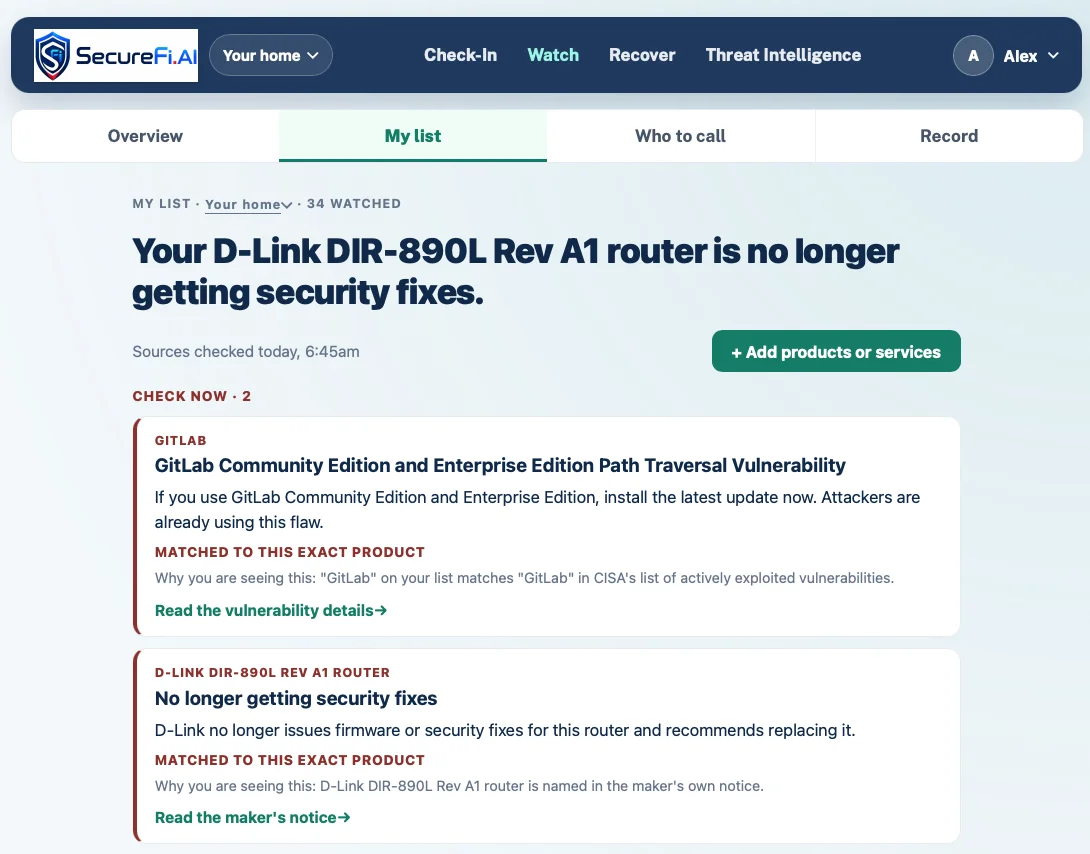
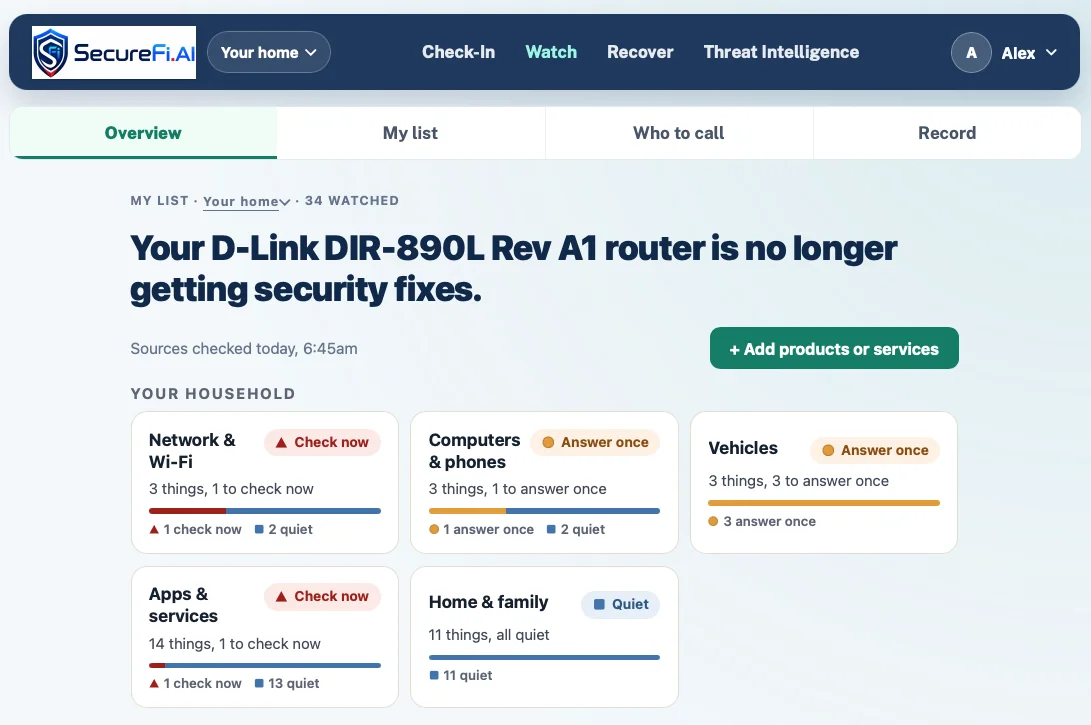
Needs attention nowA flaw the source says is being exploited, in a router you run.1
Needs one answerA recall names your model. Which lot code is on the label?2
Quiet in the sources checkedVehicles, phones, apps and accounts.23
Not monitoredNo published source covers this item. We say so.3
Three experiences, one platform

Built for the people who depend on it.

Home & FamilyRUNNINGHomeFor individuals and families. Check before you act, and watch what you own and the companies holding your information.Wi-Fi & home networkPhones & computersVehiclesApps & online servicesConnected productsFinancial & identity servicesExplore Home →OrganizationsRUNNINGBusinessFor small organizations. Know what changed, who owes you an answer, and keep the record automatically.Devices & equipmentCloud & software providersVendors & third partiesCustomer & employee dataPayments, payroll & sign-inNetwork & communicationsExplore Business →Fire, EMS & PoliceRUNNINGPublic SafetyFor departments. Know what your stations, apparatus and equipment depend on, and what changed.Stations & unitsApparatus & EMS vehiclesSCBA & life-safetyRadios & communicationsMedical & rescueMobile computingExplore Public Safety →

See it work

Watches what you depend on. Helps you know what to do.

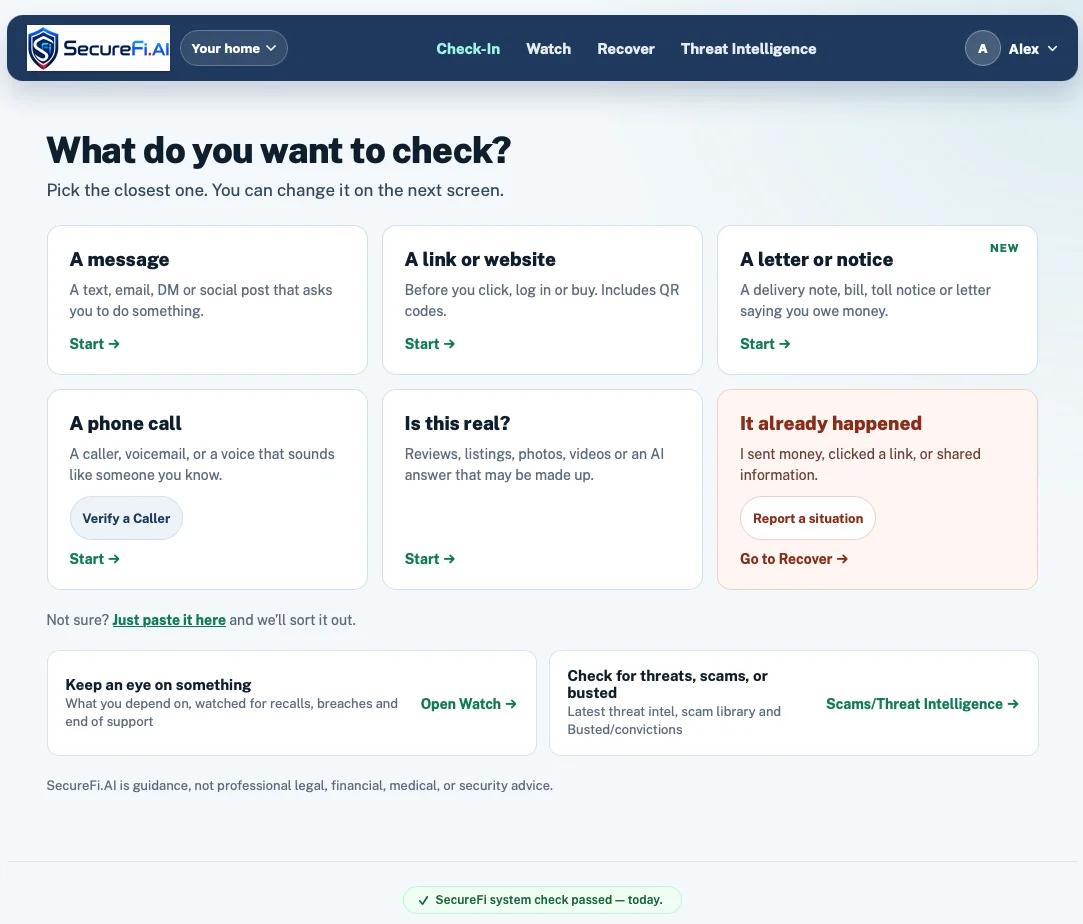
Pick who you’re protecting, then click through the steps. These are real SecureFi screens.

For households. Check anything that feels off, and get a heads-up when something you own stops being safe.
Protect your household. Free to start.Try for free →Opens the SecureFi app. No credit card.
securefi.ai/check-in
SecureFi screen: Check a message, link or call
Step 1 of 5
Four clear states

Everything sorts into one of four answers.

SecureFi never implies something is safe. If no source covers an item, it says so.

Needs attention now

A published problem affects something you depend on, and a person should act today.

Needs one answer

One fact settles it: a fitting, a version, a lot code. SecureFi asks once and applies the answer to future notices.

Quiet in the sources checked

Checked and came back quiet. And it tells you whether every source actually answered today.

Not monitored

No source covers this item. SecureFi says “not monitored” rather than implying it is safe.

How it works

Official sources, with people in the loop.

Alerts come from government and manufacturer publications held as structured records. Scam patterns and guidance are reviewed by people before use. AI assists with reading and classification; it is never the source of truth.

CISAFDANHTSACPSCNIOSHState agenciesManufacturers+ 100 more
01Every result shows its reasoningHow it matched, which source it came from, and whether that source answered today.
02Action guidance, not just alertsWhat it means, what to check, what to do, who to contact, and what to record.
03People review the guidanceScam patterns and guidance are reviewed by people before use. Nothing is learned automatically from what users send.
04Privacy by defaultPhotos are read and discarded; sensitive numbers are minimized before anything is kept.
Platform architecture

One architecture. Three experiences. Shared intelligence.

Download platform overviewOctober 2026 · 2 diagrams · capability status · Word, 1.6 MB

Home, Business and Public Safety share one platform: Check-In (ask before you act), Watch (monitor what you depend on), the Risk Intelligence Engine (trusted sources, AI analysis and correlation, evidence and confidence), Action Guidance (what it means, what to do, who to contact) and Recover (step-by-step guidance, contacts and reporting, evidence and records). Underneath, a data and intelligence layer is updated continuously from 100+ trusted sources: government advisories, recalls and safety notices, vulnerabilities and end-of-support, breach and threat intelligence, manufacturer notifications, and geopolitical and emerging threats.

Click the diagram to enlarge.

See How Check-In Works

Watch a quick 2-minute demonstration of how SecureFi helps you evaluate something suspicious and decide what to do next.

Take a Tour of SecureFi

Watch the 5-minute overview to see the broader SecureFi platform and the ways it can help protect you and your family.

What is running today

We say what works now, and what doesn’t yet.

Check-InText, links, emails, pictures and screenshots checked before someone acts.Running
WatchPersonal, business and department lists monitored daily.Running
Recall & vulnerability matchingRecalls, notices and exploited vulnerabilities matched, with the reason for every match.Running
Breach info & active alertsBreach records and urgent alerts by email, with a morning brief for teams.Running
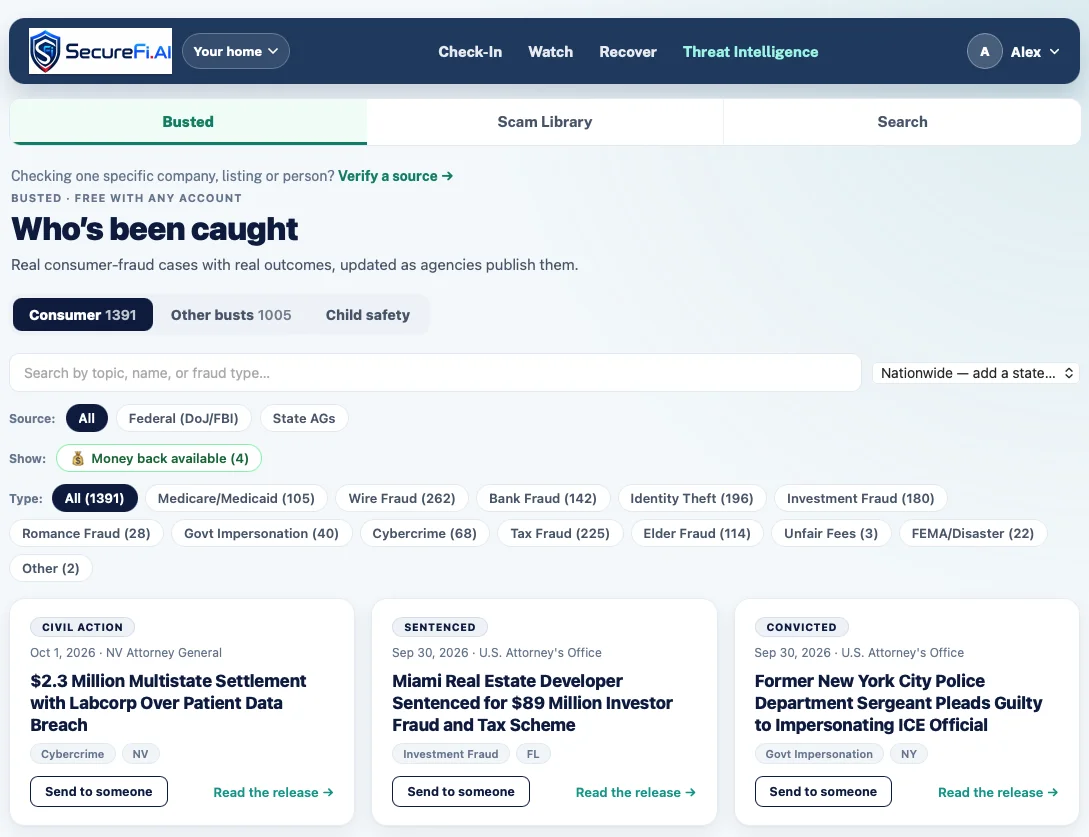
Threat IntelligenceWho has been caught, a scam library, and search.Running
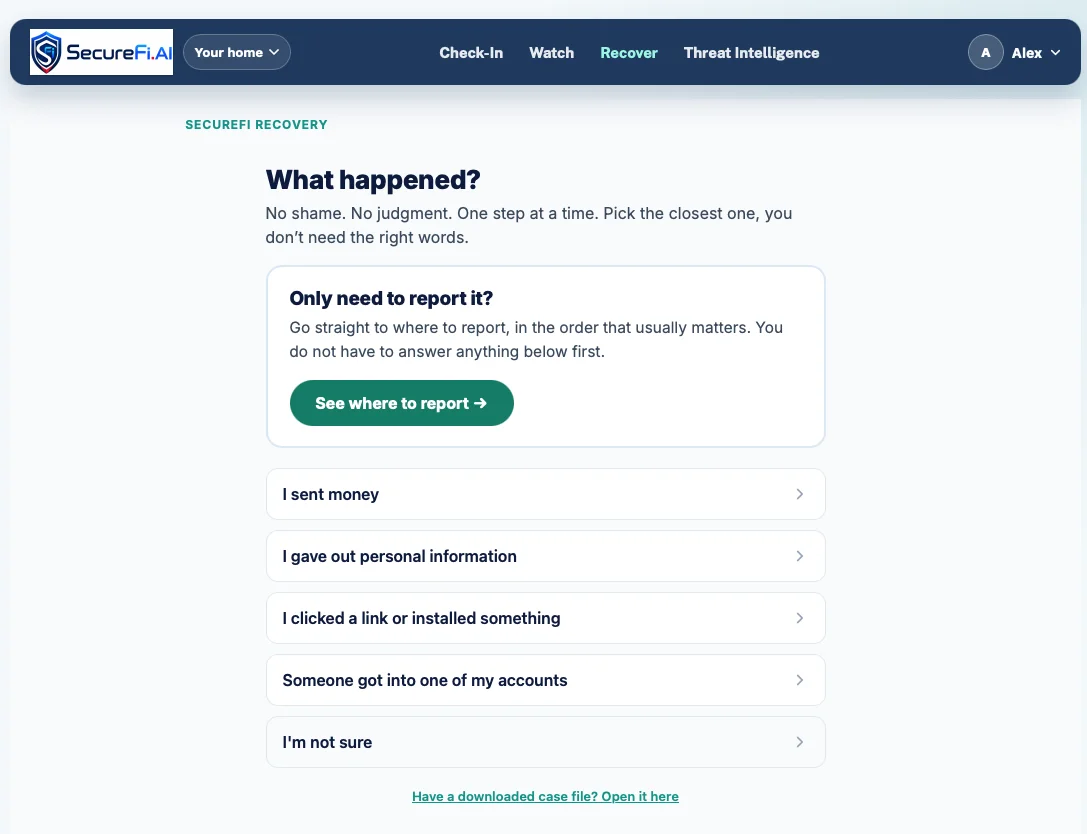
Recover & Evidence PackStep-by-step recovery, reporting support and printable summaries.Running
Public SafetyStations, units and equipment monitoring for fire and EMS.Running
Scan-to-addPhotograph a product label to add it to Watch.Running
Version & end-of-supportSoftware and firmware versions and support dates.Running
iPhone & Android appsThe same service as native apps.Running
Honest scope

What SecureFi does not do.

SecureFi complements spam filters, security suites and asset systems. It doesn’t replace any of them.

  • It does not reimburse stolen funds or act as identity-theft insurance.
  • Not every connected device has published advisories. Where none exists, SecureFi says “not monitored.”
  • When a notice names a model but not a version or serial range, SecureFi asks rather than guesses.
  • Vehicle and product recall sources are U.S. agencies today; vulnerability data is global.

Know what changed. Take the next action. Keep the record.

Start free for yourself, or talk to us about your organization.

Start freeContact sales